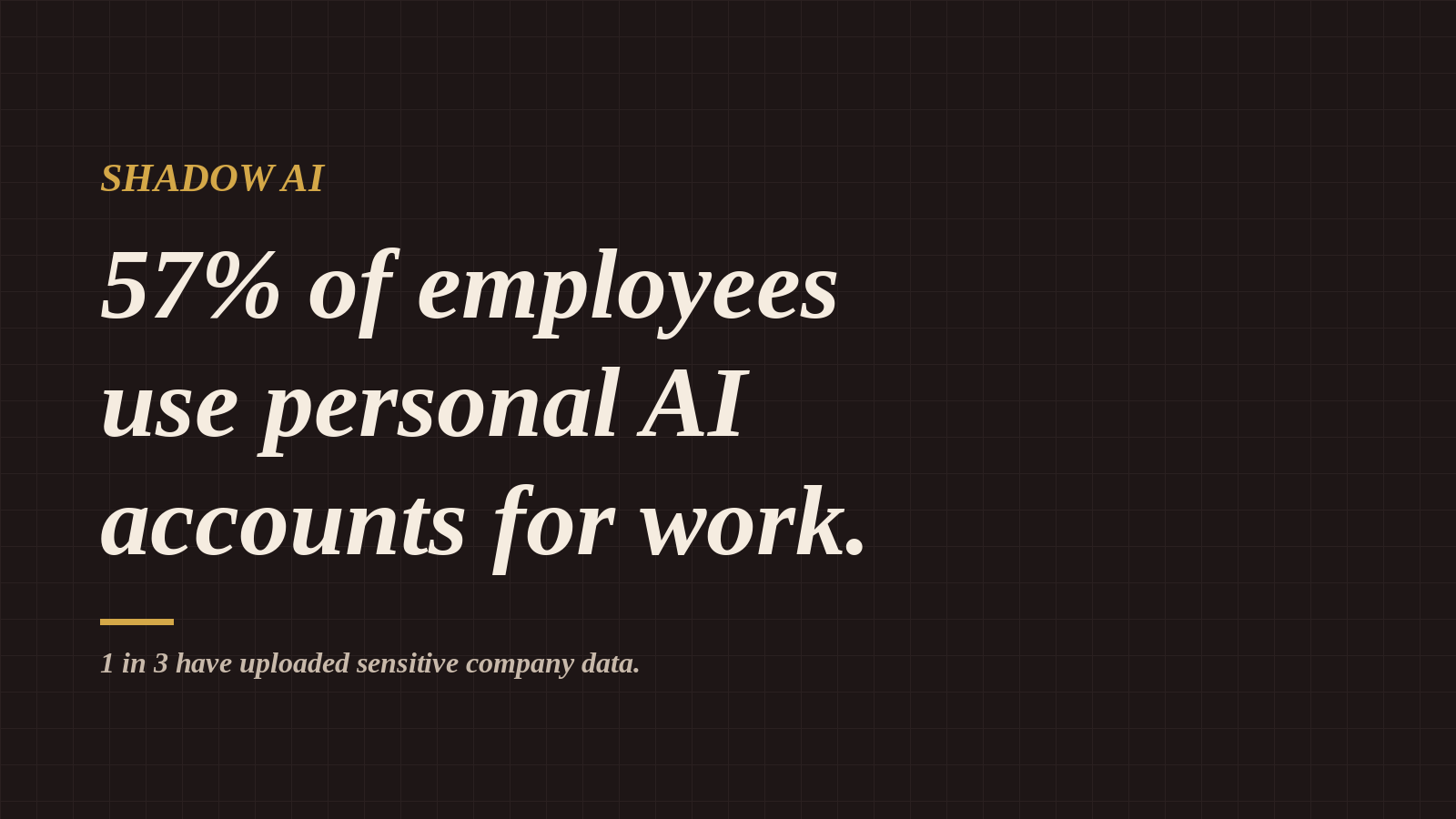
Generative AI moved from novelty to daily habit faster than most companies could write a policy for it. Gartner's 2026 research found that over 57% of employees use personal GenAI accounts for work, and a third of them admit to uploading sensitive data into tools their security teams haven't approved.
That isn't a fringe problem. It's the new normal, and it has a name: shadow AI.
This article explains what shadow AI is, why employees turn to it, what the real risks are, and what individuals and organizations can do about it.
What Is Shadow AI?
Shadow AI is the use of artificial intelligence tools, such as chatbots, writing assistants, code generators, or image tools, without the knowledge, approval, or oversight of an organization's IT or security team.
It grew out of "shadow IT," the older problem of employees using unapproved apps like personal Dropbox accounts or WhatsApp for work. Shadow AI carries a bigger risk, though, because people don't just store information in these tools. They paste it in, ask questions about it, and let a third-party system process it.
Common examples include:
- Pasting a client contract into a free chatbot to summarize it
- Uploading a spreadsheet of customer data to clean it up
- Sharing proprietary source code to debug an error
- Drafting HR documents that contain employee names, salaries, or performance notes
- Feeding internal strategy decks into an AI to build a presentation
Why Are So Many Employees Using Personal AI Accounts?
Most employees aren't trying to cause harm. They're trying to get their work done.
1. AI makes them faster
GenAI tools can cut hours of writing, research, and analysis down to minutes. When deadlines are tight, people reach for whatever works.
2. Their company hasn't given them an approved option
Many organizations still have no sanctioned AI tool, or the one they offer is slower or more limited than what employees use at home. When the official route is blocked, people find a side door.
3. Policies are unclear or don't exist
Many employees simply don't know whether AI use is allowed, what counts as sensitive, or what happens to their data once it's uploaded.
4. It feels harmless
A chat window feels private, like talking to a search engine. Most people don't think of it as sending company data to an outside vendor, but that's often exactly what it is.
The Real Risks of Shadow AI
When a third of personal-AI users admit to uploading sensitive data, the exposure is serious.
Data leakage and loss of control
Once data enters a personal AI account, the organization loses visibility over it. Depending on the tool and account settings, prompts and files may be stored, reviewed by humans, or used to train future models. The company can't audit, delete, or recall that information.
Regulatory and compliance violations
Laws such as GDPR, HIPAA, CCPA, the EU AI Act, and regional data protection laws like the UAE's PDPL set strict rules on how personal data is processed and where it goes. Uploading customer or patient data to an unapproved tool can count as a breach, leading to fines and mandatory disclosures.
Intellectual property exposure
Source code, product roadmaps, pricing models, and research are among a company's most valuable assets. Once they're shared with an external tool, proving ownership or keeping them confidential gets much harder.
Breach of client contracts
Many client agreements include confidentiality clauses that ban sharing data with third parties. A single upload can put an entire business relationship at risk.
Inaccurate or hallucinated output
Shadow AI isn't only a data problem. Unvetted tools can produce confident but wrong answers. When that output lands in reports, code, or client communications without review, it creates quality and reputational damage.
Account security gaps
Personal accounts often lack the protections of enterprise accounts: no single sign-on, weak or reused passwords, and no admin controls. If a personal account is compromised, every work conversation inside it is exposed.
What Counts as Sensitive Data?
These categories should never go into an unapproved or personal AI account:
- Customer or client names, emails, phone numbers, or addresses
- Financial records, invoices, bank details, or pricing
- Employee information such as salaries, reviews, health data, or IDs
- Passwords, API keys, or access tokens
- Unreleased product plans, strategy documents, or board materials
- Proprietary source code
- Legal documents, contracts, or anything under NDA
- Medical or patient information
A simple rule: if you wouldn't post it on a public website, don't paste it into a tool your company hasn't approved.
How Organizations Can Tackle Shadow AI
Banning AI outright rarely works. Employees just get better at hiding it. The more effective approach is to enable, guide, and monitor.
1. Provide approved, enterprise-grade AI tools
Give employees a sanctioned AI tool that's as good as or better than what they use personally. Enterprise plans typically offer stronger data protections, including no training on business data, admin controls, and audit logs.
2. Write a clear AI acceptable use policy
A strong policy answers four questions: which AI tools are approved, what data can and can't be entered, who employees should ask when unsure, and what the consequences of misuse are. Keep it short, written in plain language, and easy to find.
3. Classify your data
Employees can't protect what they can't identify. A simple labeling system of Public, Internal, Confidential, and Restricted makes it obvious what is safe to use with AI.
4. Train people regularly
One-time training is quickly forgotten. Short, practical sessions with real examples of safe and risky prompts change behavior far more than a policy document ever will.
5. Use technical safeguards
Security teams can add protective layers such as data loss prevention (DLP) tools that detect sensitive data before it leaves the network, cloud access security brokers (CASB) that reveal which AI apps are in use, and browser and network controls that steer users toward approved tools.
6. Build a culture of openness
Make it safe for employees to say, "I've been using this tool. Is that okay?" Finding shadow AI through an honest conversation is far better than finding it in an incident report.
What Employees Can Do Today
You don't need to wait for a company policy to protect yourself and your employer.
- Check before you paste. Ask whether the content contains anything confidential.
- Anonymize your data. Replace names, numbers, and identifiers with placeholders.
- Use approved tools. If your company offers one, use it for work tasks.
- Review your privacy settings. If you use a personal tool for general learning, turn off chat history or model training where possible.
- Ask your IT or security team. They would much rather answer a question than clean up a breach.
- Verify AI output. Treat it as a first draft, never a final answer.
The Bottom Line
Gartner's finding that more than half of employees use personal GenAI accounts for work shows that AI adoption is already happening, whether organizations plan for it or not. The question isn't whether your team uses AI. It's whether they use it safely.
Companies that respond with secure tools, clear policies, and ongoing education will get the productivity benefits of AI without the data risk. Companies that ignore shadow AI are leaving their most sensitive information one copy-paste away from exposure.
The first step is simple: find out which AI tools your team is using, and make the safe option the easy option.
Frequently Asked Questions
What is shadow AI?
Shadow AI is the use of AI tools at work without approval or oversight from the organization's IT or security team, often through personal accounts.
Is it illegal to use AI tools like ChatGPT at work?
Using AI tools isn't illegal in itself. But uploading personal, financial, or confidential data to unapproved tools can break data protection laws, company policy, or client contracts.
Do AI chatbots store the data I upload?
It depends on the tool and the account type. Many consumer accounts store conversations and may use them to improve models unless you opt out. Enterprise accounts usually offer stronger data protections.
How can companies detect shadow AI?
Companies can detect shadow AI through CASB and DLP software, network monitoring, employee surveys, and a culture that encourages staff to disclose the tools they use.
What is the best way to prevent AI data leaks?
The best defense combines approved enterprise AI tools, a clear acceptable use policy, data classification, regular training, and technical safeguards.

Rumaisa Amir teaches the Quran as something alive and leads IT & security at an educational institute in Dubai. Author of 99 Keys to Ease. More about my work →